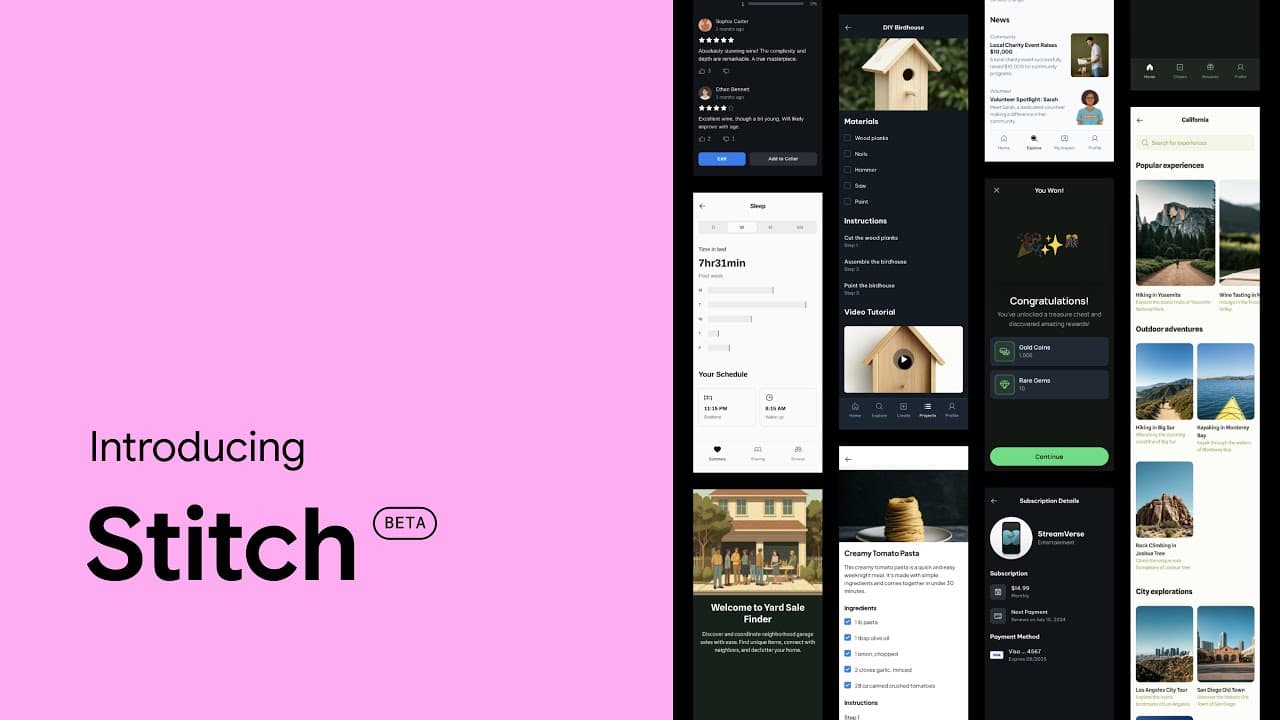
What Is Google Stitch?
What is Google Stitch? A beta AI tool that generates UI concepts and frontend scaffolds from text or images. Agency view: strengths, limits, and how to turn outputs into production-ready UI.
What Is Google Stitch? AI UI Design & Frontend Code Generation (2025 Guide)
Design often starts fast and slows down later: flows, edge cases, responsiveness, and component consistency take time. Google Stitch aims to shorten the early stage by generating UI concepts from prompts or reference visuals and giving teams a strong starting point.
This is not a hype post. We’ll focus on agency-grade reality: where it helps, where it doesn’t, and how to convert outputs into production-quality UI.
What is Google Stitch?
Google Stitch is an experimental/beta generative AI tool that helps create UI concepts from text or visual inputs. It’s best used for quick ideation, producing variations, and aligning stakeholders early—before you invest heavily in design and development.
In short: instead of staring at a blank canvas, you generate a few solid directions and iterate faster.
Quick demo (what it looks like)
Here’s a short video showing the idea behind Stitch-style rapid UI generation and iteration:
Who is it for?
- Product owners / founders who need quick visuals to validate ideas
- Agencies & freelancers who want faster first drafts and iteration cycles
- Designers + developers who need a shared starting point before building a full design system
Where it helps (and where it doesn’t)
It accelerates:
- First drafts (brief → initial screens)
- Variations (2–4 alternative layouts quickly)
- Early flow discussions (login → onboarding → dashboard)
- Stakeholder alignment (less “that’s not what I meant” later)
It doesn’t replace:
- Design systems and brand-level polish
- Complex interactions and advanced state/logic
- Microcopy that drives conversion
A practical agency workflow
- Write a clear brief (users, core actions, key data)
- Generate 2–4 variations in Stitch
- Choose and simplify (remove noise, focus on the core flow)
- Refine in Figma (grid, spacing, components, responsive rules)
- Implement with a real component library (React/Next.js or Flutter)
- Production hardening (a11y, performance, QA, analytics)
Stitch can speed up the first ~30%. The remaining 70% is still design + engineering discipline.
How to try it
Try Stitch here: stitch.withgoogle.com
Tips for better outputs
- Don’t say “dashboard”. Describe the user, the top tasks, and what matters most.
- Add constraints: web vs mobile, minimal vs corporate, component preferences.
- Treat the result as a draft you can build on—not the final UI.
Prompts you can reuse
SaaS Dashboard (Web)
“Design a B2B SaaS dashboard with a left sidebar (Overview, Projects, Billing, Settings), top search and user menu, 4 KPI cards, a recent activity table, and a ‘Next Actions’ panel. Minimal, modern, high readability, dark theme.”
Can you ship the generated code?
Use it as a scaffold, not a final deliverable. Production requires refactoring for:
- naming conventions and structure
- accessibility (a11y)
- state/data flow
- responsiveness and performance
- testing and quality gates (linting, types, CI)
Conclusion
Treat Stitch as an accelerator for early feedback loops. You’ll align faster, iterate cheaper, and validate flows earlier.
But production-quality UI still comes from solid design systems, engineering standards, and good project management.